
Infinite Zoom Screensaver Online
Drift endlessly through 12 interconnected surreal painted worlds in a free fullscreen infinite zoom screensaver.
click to fullscreen
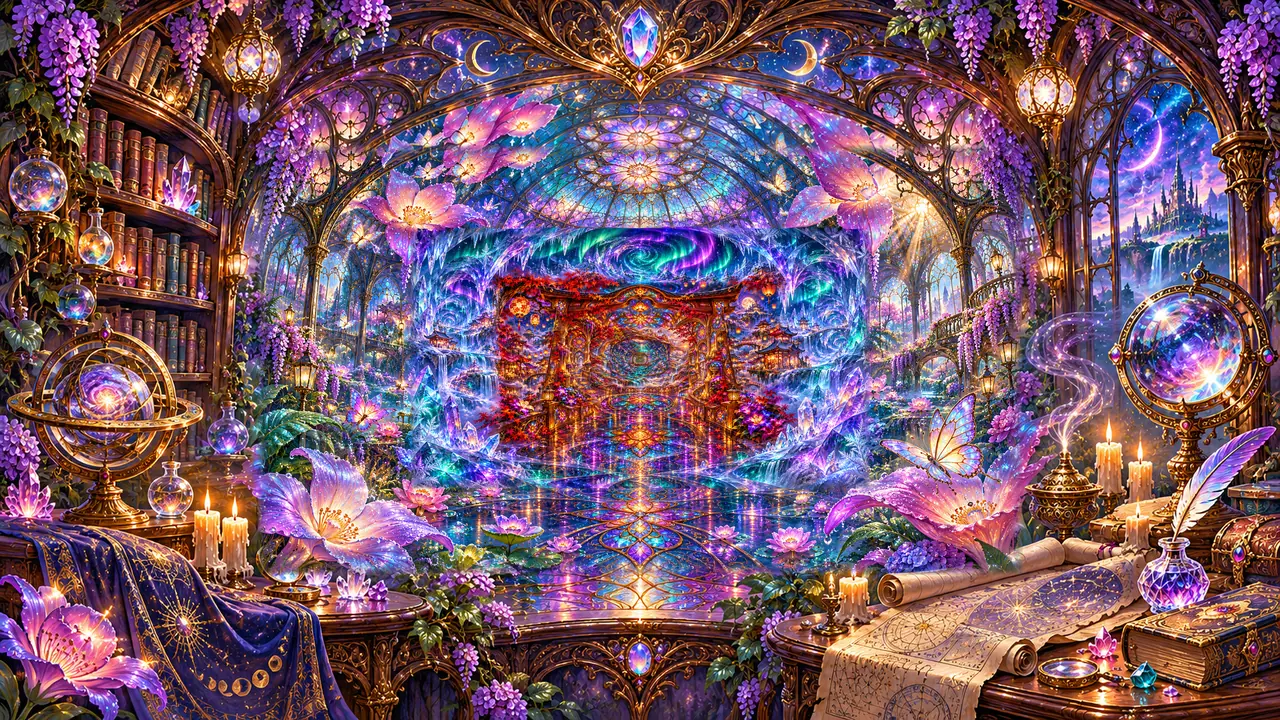
An endless painted journey
Each painted world opens smoothly into the next—from a twilight alchemist study and glasshouse dome to aurora ice caverns, floating lantern streets, deep-sea grottos, and glowing forests—before looping seamlessly back to the start.
WebGL2 renders multiple nested layers simultaneously with trilinear mipmap filtering and exponential zoom scaling, keeping motion crisp and fluid in fullscreen. Scroll or use the Up/Down arrow keys to steer forward or backward at any pace.
animation screensaver
Infinite Zoom

Clouds
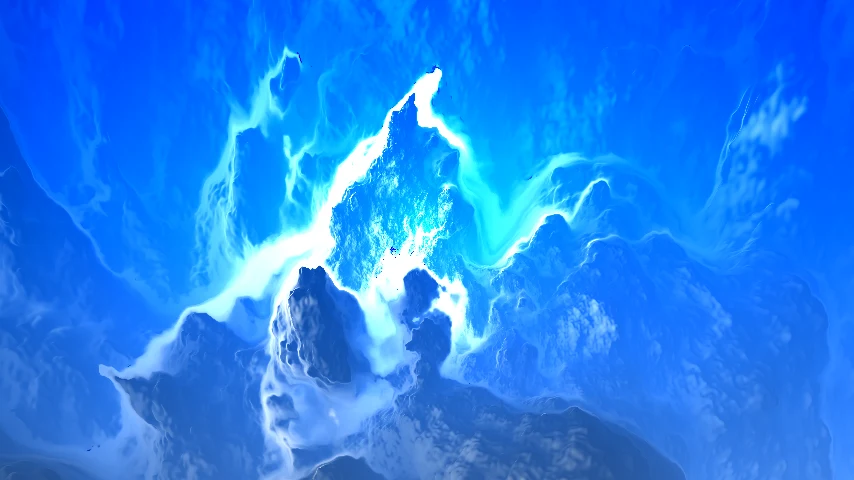
Endless Glacier

Cloud Flight
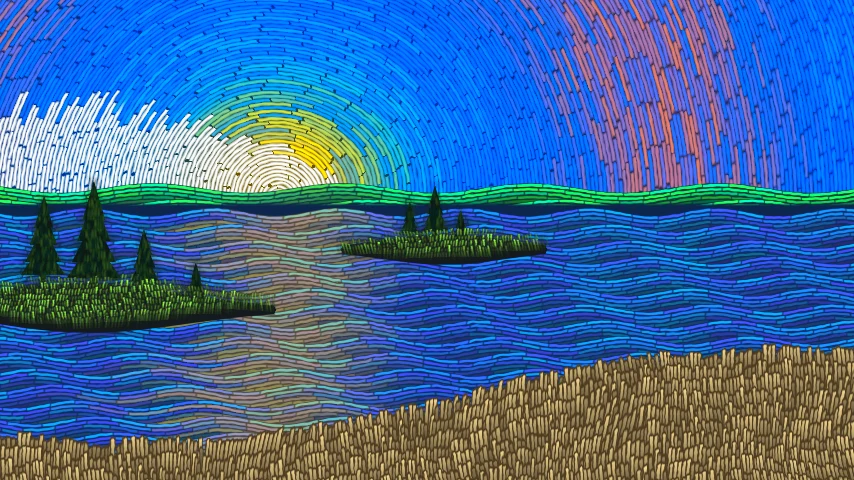
Painted Sunset
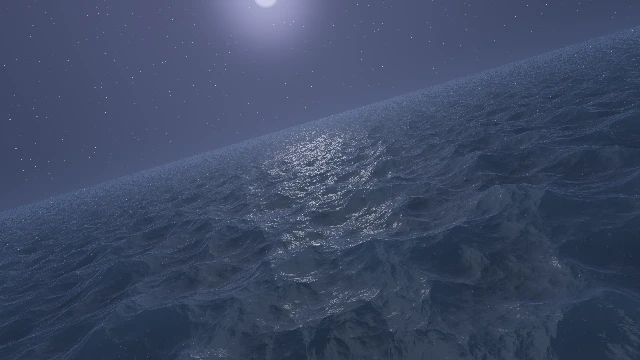
Moonlit Ocean

Volumetric Texture
Monochrome Spiral

Color Vortex
star screen
laser screen
explosion screen
point screen
cat screen
color screensaver
auto screen
blue screen
green screen
red screen
black screen
white screen
yellow screen
cyan screen
magenta screen
tools screensaver


Use screensaver for
A living artwork for idle displays
Turn a spare monitor or TV into an endlessly zooming fantasy painting. Each layer reveals a new scene without abrupt cuts or video buffering.
Interactive speed and direction control
Switch to fullscreen and adjust the zoom speed, reverse direction to zoom back out, or pause on any painted world using the on-screen controls, scroll wheel, or arrow keys.
Let the pace drop inside the paintings
Twelve painted worlds open into each other, from a glasshouse and a lantern street to ice caverns and a glowing forest. Slow the zoom or stop on one image and stay there until the room feels quieter.
One path for your attention
The view always leads toward the center. That single direction is easier to watch than a desktop full of windows. Pause when you want the picture to hold still, then continue when you are ready to move on.
A vivid check of smooth GPU zoom
WebGL2 draws several nested paintings at once and keeps the center sharp while the view scales. Open it fullscreen to see whether your graphics processor holds that detail without stutter or soft, blurry jumps.